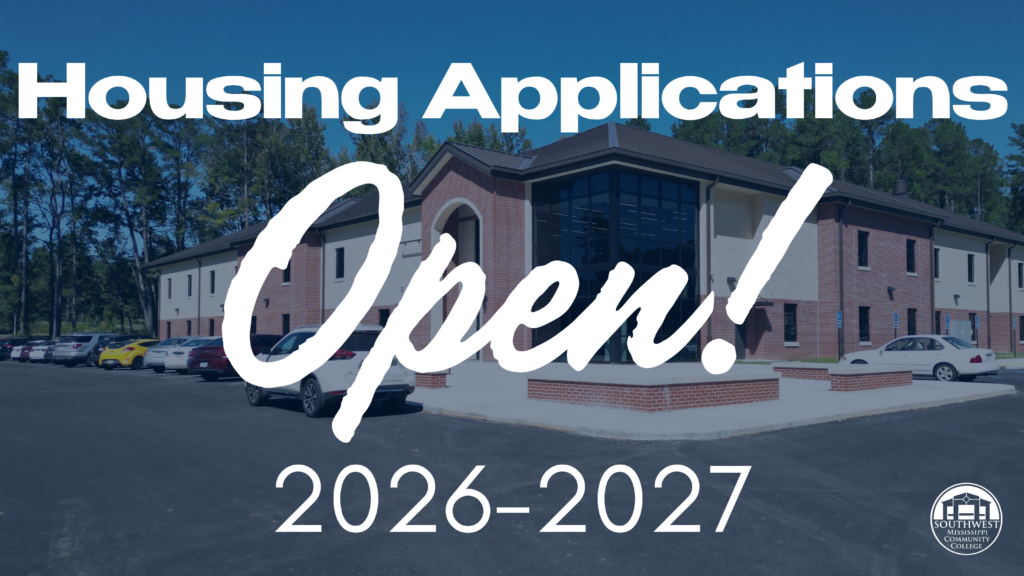
APPLICATIONS GO LIVE WEDNESDAY FEBRUARY 18TH | 7:00 AM
INSTRUCTIONS ⬇️
- www.smcc.edu
- My SW
- Log in with your student ID # for your username (Student ID number@bears.smcc.edu)
- Current email password for the password. (If you have not set up your SMCC email account, the default password is your 8-digit date-of-birth plus the first three letters of your last name with the first letter capitalized).
- If this is your first time logging in – you will have to authenticate
- First time users will have Terms of Use and Usage Policy pop up
- Put a check mark in the box and click accept
- Scroll to Access SW widget and click on Access SW
- Look at the top right and you will see Housing Information and a drop-down arrow, click and then click Housing Application
- A pop-up screen will appear, click on term FA2026 is you are applying for August – Fall semester. Click SU2026 if you are applying for July session.
- Read and click continue
- Your student information will appear. Please complete the application by filling in the blanks, correcting any information that needs to be corrected and choosing specific housing and personal preferences.
- After submitting the application, a pop up will appear PAY NOW
- There is a $150.00 housing application fee that must be paid from this screen OR in the Business Office within 24 hours. Once the payment is made, the application will be sent to the housing department for processing.
- If you do not pay the $150.00, your housing application is not complete and will not be sent to the housing department.
- You have 24 hours to submit your payment before your application expires. If payment is not received within 24 hours, you will lose your spot and must reapply.
Please email LWOODWORTH@SMCC.EDU with any questions. We look forward to having you on campus soon!